Have you ever opened a VPN app, tapped Connect, and established a secure connection within seconds? It looks simple, but several settings work together behind that single button.
The app needs to know which server to connect to, which protocol to use, and how to authenticate your connection. These details are part of VPN configuration.
Once you know what is VPN configuration and how it works, it can help you troubleshoot connection problems, set up VPNs on different devices, and make informed security decisions.
In this guide, we will help you learn the basics of VPN configuration in simple terms! Let’s get started!
What is VPN configuration?
VPN configuration refers to the settings a device uses to establish and manage a connection to a VPN server. Users can set it up automatically through an app or manually with a VPN profile.
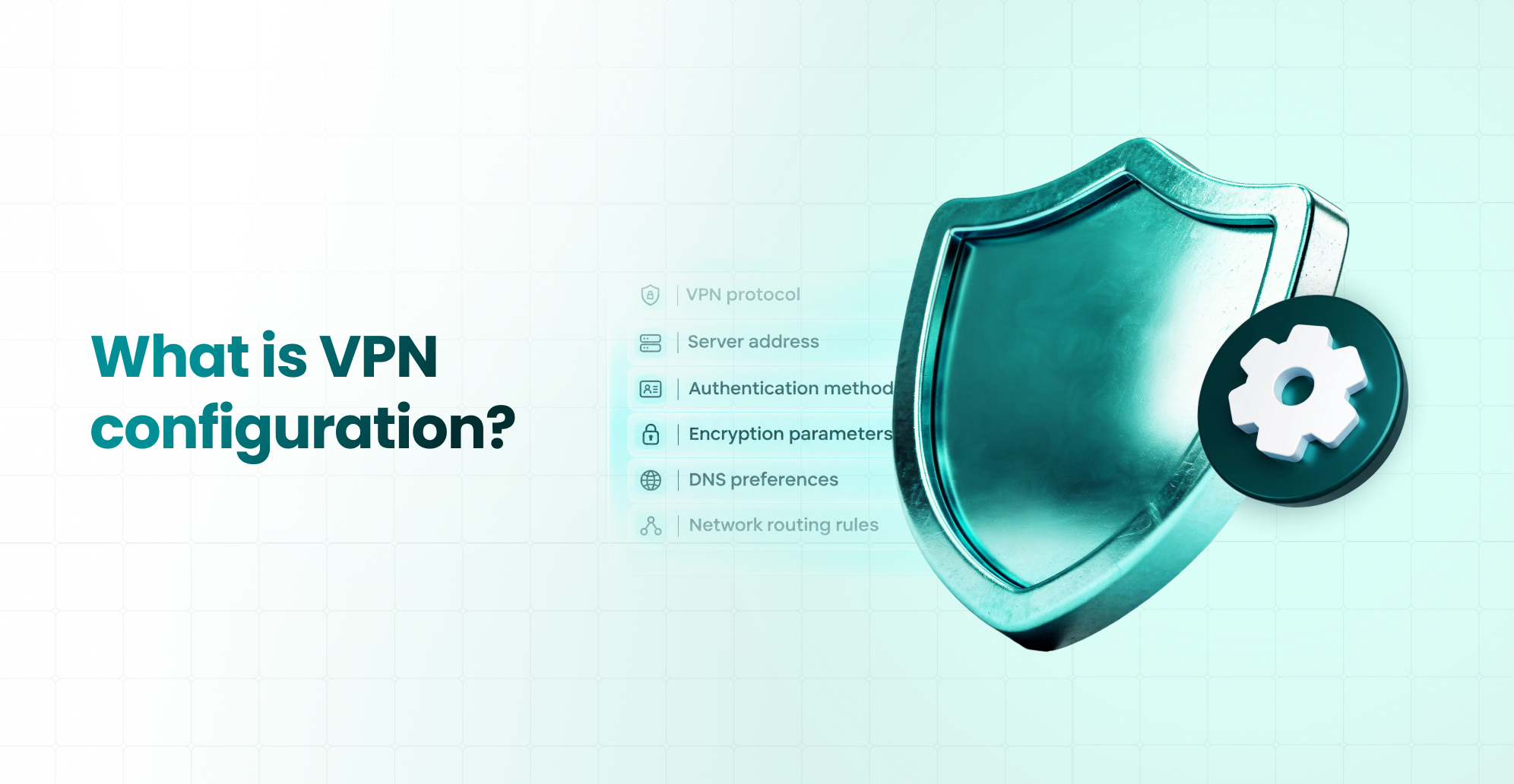
What VPN configuration includes:
- VPN protocol
- Server address
- Authentication method
- Encryption parameters
- DNS preferences
- Network routing rules
In an active VPN connection, your VPN client reads the relevant settings, identifies the server, and establishes a connection using the supported protocol.
What are the key components of a VPN configuration?
A VPN connection depends on several settings working together, such as protocols, servers, authentication, encryption, routing, etc. We explained each for you:
1. VPN protocol
The VPN protocol defines how the connection is established and protected. Each technology has different configuration requirements.
Common technologies include:
- OpenVPN: An established VPN implementation that supports TCP and UDP, with flexible authentication options.
- WireGuard: A lightweight, UDP-based protocol using modern cryptography and public-key authentication.
- IKEv2/IPsec: A combination commonly used for secure connections, including supported mobile and business deployments.
2. VPN server address
The server address identifies the VPN endpoint your device needs to contact.
- It may be a domain name or an IP address.
- If this information is incorrect, your device may fail to establish the intended connection.
3. Authentication settings
Authentication verifies that a device or user is authorized to connect. Depending on the technology, this may involve usernames, passwords, certificates, cryptographic keys, or additional authentication systems.
4. Encryption and security parameters
These settings determine which supported cryptographic methods protect the VPN connection. Some protocols offer configurable options, while others use a defined cryptographic suite.
5. DNS and IP configuration
DNS settings affect how domain names resolve while the VPN is active. IP configuration determines the network addresses assigned to the VPN interface or tunnel.
6. Network routing settings
Routing rules determine which traffic travels through the VPN. A full-tunnel configuration typically sends all applicable device traffic through the VPN, while split tunneling lets selected traffic take different routes.
Here’s a summary.
| Component | Purpose |
| VPN protocol | Defines how the connection operates |
| Server address | Identifies the VPN endpoint |
| Authentication | Verifies authorized connections |
| Security parameters | Configures supported cryptographic protection |
| DNS settings | Determines how DNS requests are resolved |
| Routing rules | Determines which traffic uses the VPN |
How does VPN configuration work?
When you connect to a VPN, your device and the VPN server follow a sequence of steps.
- Step 1: The VPN client loads its configuration from the application, operating system, or an imported profile.
- Step 2: The client identifies the configured endpoint and begins establishing the connection using the selected VPN technology.
- Step 3: The client and server complete the applicable authentication and cryptographic procedures.
- Step 4: The device applies the relevant IP, DNS, and routing settings according to the VPN configuration.
- Step 5: Once the connection is established, traffic covered by the VPN policy can travel through the encrypted tunnel.
For example, when you tap Connect in a commercial VPN app, these processes may occur automatically without requiring you to enter technical information.
What are the different methods of VPN configuration?
There are three common ways to configure a VPN. The best method depends on your technical knowledge, devices, and network requirements.
Automatic VPN configuration through an app
A commercial VPN app can automatically retrieve supported server information, authentication requirements, and other configuration details. You just have to:
Sign in ➡️ Select an available server ➡️ Connect through the application’s interface.
Manual VPN configuration
Manual configuration requires users to enter connection information or import a supported profile. An IT administrator might provide a server address, VPN type, account credentials, or certificate. This approach works when organizations need specific connection settings or when an app-based setup isn’t available.
Router-based VPN configuration
Some routers support VPN client or server functionality. For example, a compatible router configured as a VPN client can establish a VPN connection for selected network traffic.
Router capabilities vary by model and firmware. That means you don’t necessarily need to install custom firmware. Many compatible routers already include relevant VPN configuration features.
| Configuration method | How it works | Suitable for |
| App-based | App manages supported settings | Everyday VPN users |
| Manual | User enters or imports settings | Advanced users and IT administrators |
| Router-based | Compatible router manages VPN connectivity | Selected home and office networks |
Before deciding, consider whether you need convenience, advanced control, or centralized network connectivity.
How do you configure a VPN on different devices?
Different operating systems provide different configuration options. The available settings and supported protocols may also vary by software version.
VPN configuration on Windows
For supported VPN types, open Settings, go to Network & Internet, select VPN, and add a new connection. (Windows) The configuration may require the server address, connection type, and authentication information. Other technologies, such as OpenVPN or WireGuard, may require compatible client applications.
Data source: Microsoft Support.
VPN configuration on macOS
Mac users can manage supported VPN connections through System Settings. The operating system supports native configuration for selected VPN technologies, including IKEv2/IPsec. Users can also install compatible third-party applications or apply supported profiles. Data source: Apple Support.
VPN configuration on iOS
On an iPhone or iPad, you can manage VPN settings through supported apps or configuration profiles. Organizations may also distribute approved VPN configurations through device management systems. Data source: Apple Support.
VPN configuration on Android
Android supports built-in VPN configurations for certain technologies and allows third-party apps to add VPN functionality. Data source: Android Developers
Users can typically manage VPN connections through the device’s network settings or a compatible app. For developers, Android provides VPN-related APIs to build and manage connections.
What is a VPN configuration file?
A VPN configuration file contains information that a compatible VPN client uses to establish a connection. Instead of entering every setting manually, users can import a supported file containing the necessary parameters.
For example, OpenVPN commonly uses .ovpn files.
Depending on the setup, these profiles may contain server information, transport settings, certificate references, and authentication-related parameters.
WireGuard configurations can include interface addresses, public keys, private keys, peer endpoints, and permitted network ranges. Data source: OpenVPN, WireGuard
Why should configuration files be protected?
Some files contain sensitive information, including private keys or embedded credentials.
Sharing these files carelessly could expose authorized access to a VPN service.
For example, an IT administrator might distribute a configuration profile to an employee who needs secure access to company resources.
The organization should deliver that profile through an approved channel and protect it according to its security requirements.
Remember that a configuration file is not the VPN protocol itself. It simply provides instructions for a compatible implementation.
What are common VPN configuration problems and how can you fix them?
Even well-designed VPN applications can have configuration-related issues. Some problems come from incorrect settings, while others involve device compatibility or changing network conditions.
| Problem | Possible cause | What to check |
| VPN fails to connect | Incorrect server information | Confirm server details and configuration |
| Authentication fails | Invalid credentials or certificates | Review authentication requirements |
| VPN connects, but websites fail | DNS or routing problems | Inspect DNS and routing settings |
| Connection drops frequently | Network changes or application behavior | Review connection logs and reconnect settings |
| VPN works on one device only | Platform or profile incompatibility | Check supported protocols and software versions |
For example, a VPN might establish a tunnel but fail to load websites because DNS requests aren’t resolving correctly. In that situation, repeatedly changing servers may not address the underlying issue.
A better approach is to review the relevant configuration, identify the cause, and test a fix.
If you’re using a commercial VPN service, contact the provider’s support team before changing advanced settings you don’t understand.
Why does VPN configuration management matter for businesses?
Managing one VPN connection is relatively simple. But managing connections for hundreds of employees across multiple devices is a different challenge.
Especially, business VPN configuration often requires consistent access policies, centralized administration, and reliable update procedures. Imagine a company with remote employees working from different locations.
Its IT department may need to:
- Provide approved VPN configurations to new employees.
- Apply appropriate authentication and access policies.
- Update server information when infrastructure changes.
- Revoke access when an employee leaves.
- Troubleshoot connectivity across different operating systems.
- Maintain records of authorized devices and configurations.
A centralized VPN management system can simplify these responsibilities when the selected solution supports them. It can also help administrators reduce configuration inconsistencies across users.
For entrepreneurs planning to launch a commercial VPN service, these administrative requirements are part of the broader business architecture.
How does VPN configuration work in custom VPN applications?
For commercial VPN products, configuration management involves more than entering a server address. Developers must coordinate the client application, backend services, authentication systems, and VPN servers.
Automatic server and protocol selection
Depending on the application’s design, users may select servers manually or use an automatic selection feature. Protocol choices also require compatible client implementations and appropriately configured server endpoints. If you’re deciding which technologies to integrate, research the comparison guide to find different characteristics.
User authentication and connection management
Commercial VPN applications may link configuration provisioning to user accounts, subscription status, or authorized devices. For example, the backend can determine which configuration details an authenticated account can receive. The application then uses the appropriate information to establish a connection.
Centralized administration
Administrative systems can help operators manage approved servers, user access, configuration changes, and supported protocols. However, the software architecture must include these capabilities.
Cross-platform configuration
An important development consideration is that connection behavior can differ across Android, iOS, Windows, and macOS.A practical testing approach is to verify the following:
- DNS behavior
- Connection recovery
- Authentication errors
- Routing rules separately on each supported platform
A successful connection on one device doesn’t establish that the same configuration will behave identically everywhere. Evaluate these considerations early in custom VPN app development, rather than treating them as minor adjustments after launch.
How Kolpolok Limited supports VPN app development and configuration management
Kolpolok Limited develops VPN applications and supporting software for startups, service providers, and businesses.
Our development capabilities include:
- Cross-platform applications
- Supported VPN protocol integration
- Backend APIs
- Administrative panels
- Application-side connection management
These systems can help businesses manage configurations as part of a broader VPN product. We support different development models depending on customer requirements.
Hosted white-label VPN: Kolpolok Limited manages the VPN infrastructure within the agreed service scope, alongside the branded software. Businesses interested in this approach can launch an app at a lower cost.
Standalone VPN development: Kolpolok Limited develops the agreed applications and supporting software. Customers procure and host their own infrastructure, while Kolpolok provides guidance on server requirements.
Final thoughts
VPN configuration determines how devices establish, authenticate, and manage connections to VPN servers. For everyday users, an application that automatically configures the VPN often provides the simplest experience.
Advanced users may prefer manual profiles, while businesses can benefit from centralized configuration management. Understanding these settings can help you troubleshoot problems, evaluate VPN technologies, and plan more reliable applications.
For businesses developing VPN software, consider configuration management alongside security, authentication, user experience, and infrastructure planning.
Frequently asked questions about VPN configuration
What does VPN configuration mean on an iPhone?
VPN configuration on an iPhone refers to the settings used to establish and manage a VPN connection. These may include the VPN server, authentication details, and supported connection type. Settings can be provided by an application or an approved configuration profile.
Is adding a VPN configuration safe?
Adding a VPN configuration can be safe when it comes from a trusted provider or administrator. However, unknown VPN profiles may introduce privacy or security risks. Review the source, requested permissions, and connection details before installing one.
Can I configure a VPN without installing an app?
Yes, some operating systems offer built-in support for specific VPN technologies. If your provider supports those connection types, you may be able to configure a VPN manually. Other protocols require compatible applications.
What information is included in a VPN configuration file?
A configuration file may contain the server endpoint, connection protocol settings, routing rules, DNS preferences, certificate references, or cryptographic keys. The exact information depends on the VPN technology and implementation. Files containing sensitive credentials require careful handling.
Can incorrect VPN settings cause connection problems?
Yes. Incorrect server information, authentication parameters, DNS settings, or routing rules can prevent a VPN from connecting or functioning correctly. Troubleshooting should focus on identifying which configuration component is responsible.
Does VPN configuration automatically prevent DNS leaks?
No. DNS protection depends on the VPN implementation, resolver configuration, routing policies, and operating-system behavior. A VPN may require additional settings and testing to ensure DNS requests follow the intended network path.
How do businesses manage VPN configurations for multiple users?
Businesses can use centralized management systems to distribute approved configurations, manage authorized users, apply access policies, and update settings. The available capabilities depend on the VPN software, authentication infrastructure, and device management systems.